
Overview
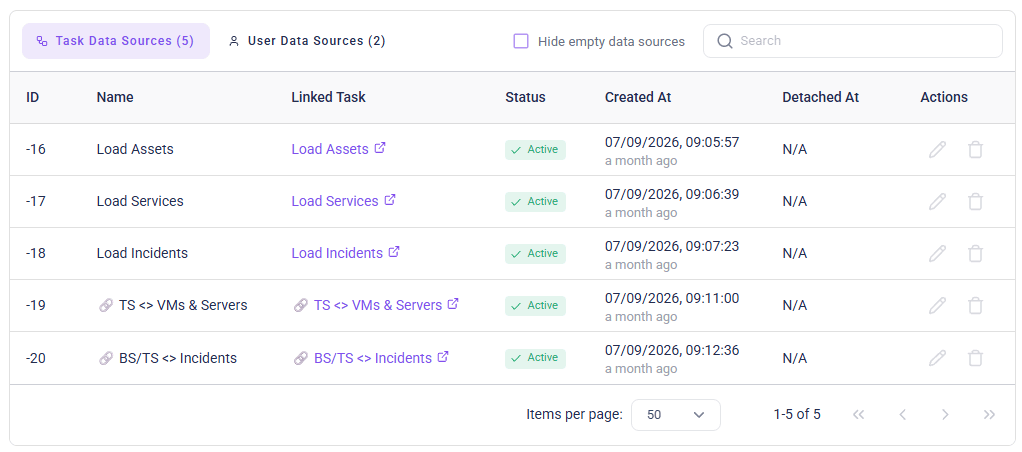
Data sources can be found in theSettings section of the left-hand panel. Here, data sources are listed alongside the automation tasks from which they originate. Any task used in Automations to load or process IT data in Qbilon will result in an Task Data Sources entry in the list. Additionally, any user who has manually edited asset data will appear in the User Data Sources tab.
External Connectors
External Connectors are used to collect IT data from locally running third-party systems (within a company network) and send it to a Qbilon SaaS instance.Generic Connectors
Generic connectors are used to import IT data from structured text files like CSV or JSON into Qbilon.Internal Connectors
Internal connectors are used to retrieve information from directly accessible third-party systems and import then into Qbilon.- Amazon Web Services (AWS)
- Darktrace
- Kubernetes
- Microsoft Azure
- Microsoft Entra ID
- PRTG
- ServiceNow
- VMware Aria
- vSphere