Home Screen
Clicking onHome in the sidebar shows the start page of the Qbilon software. It shows multiple tiles that provide different information on the IT landscape:
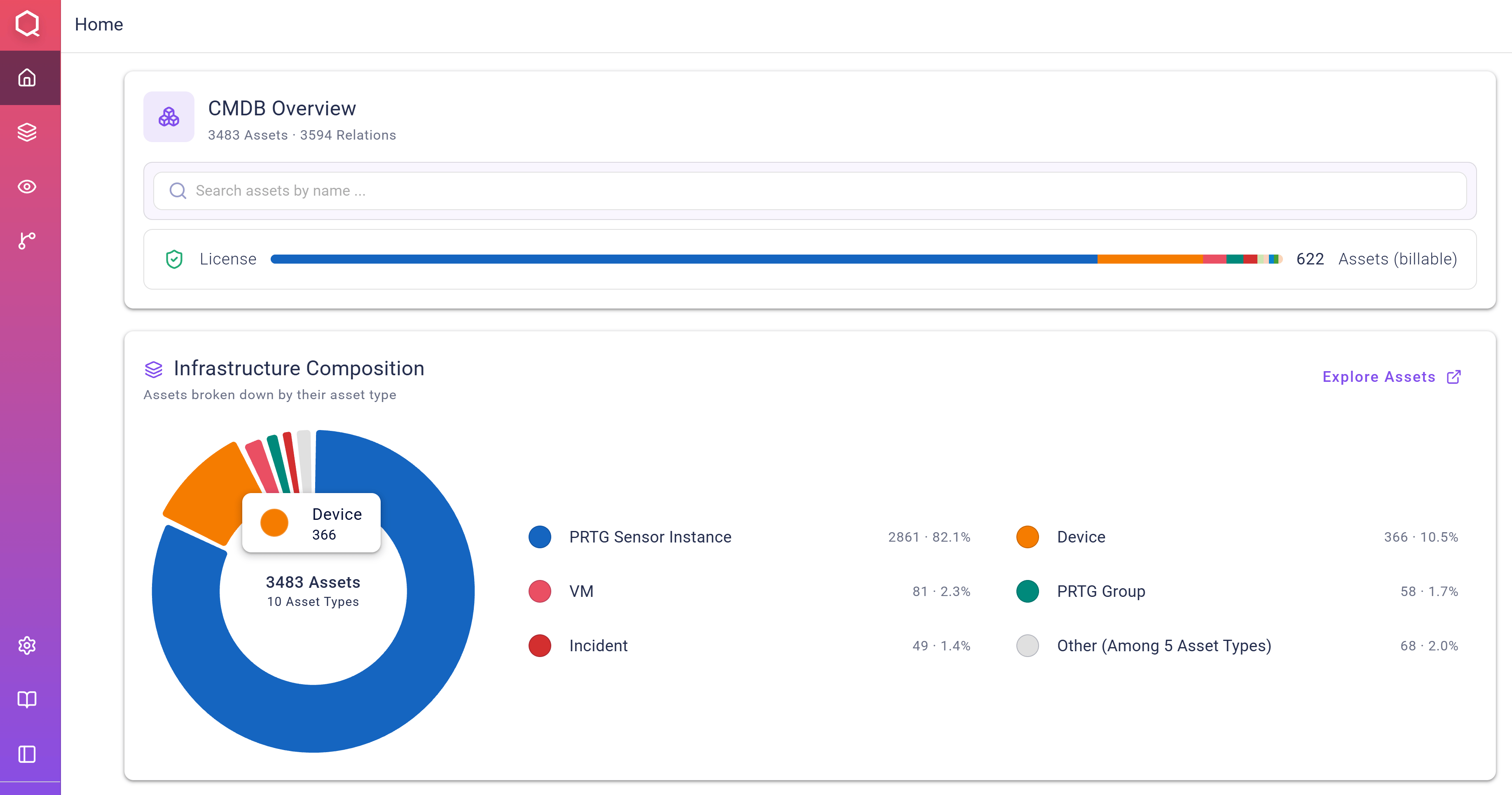
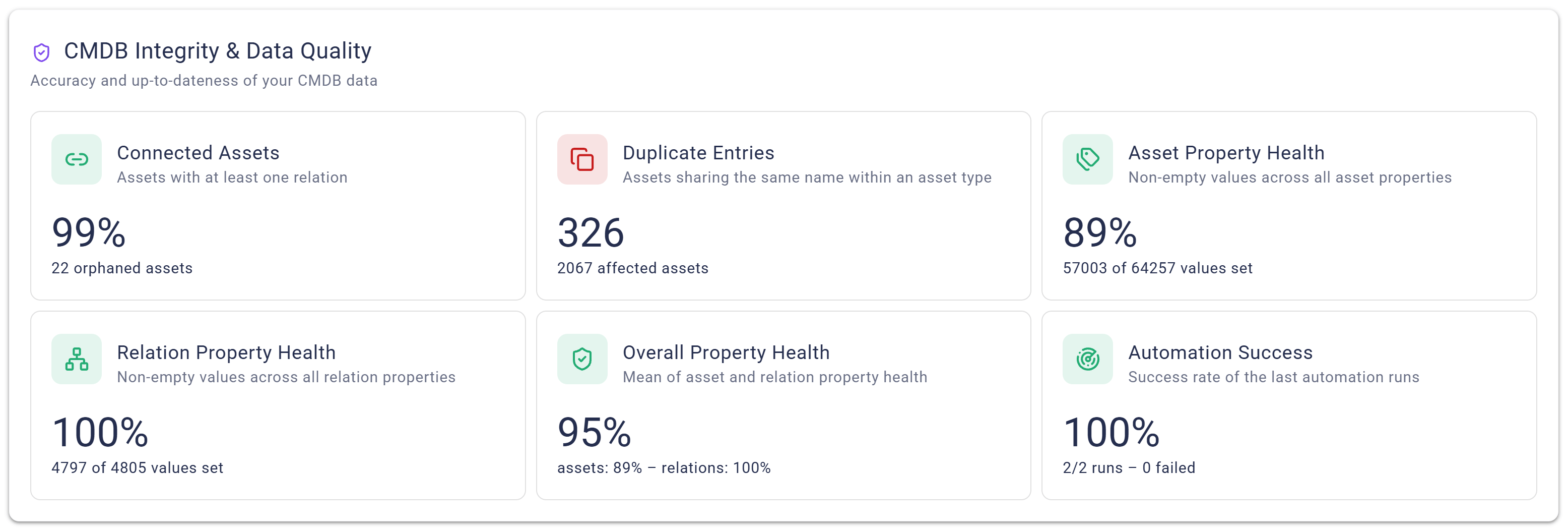
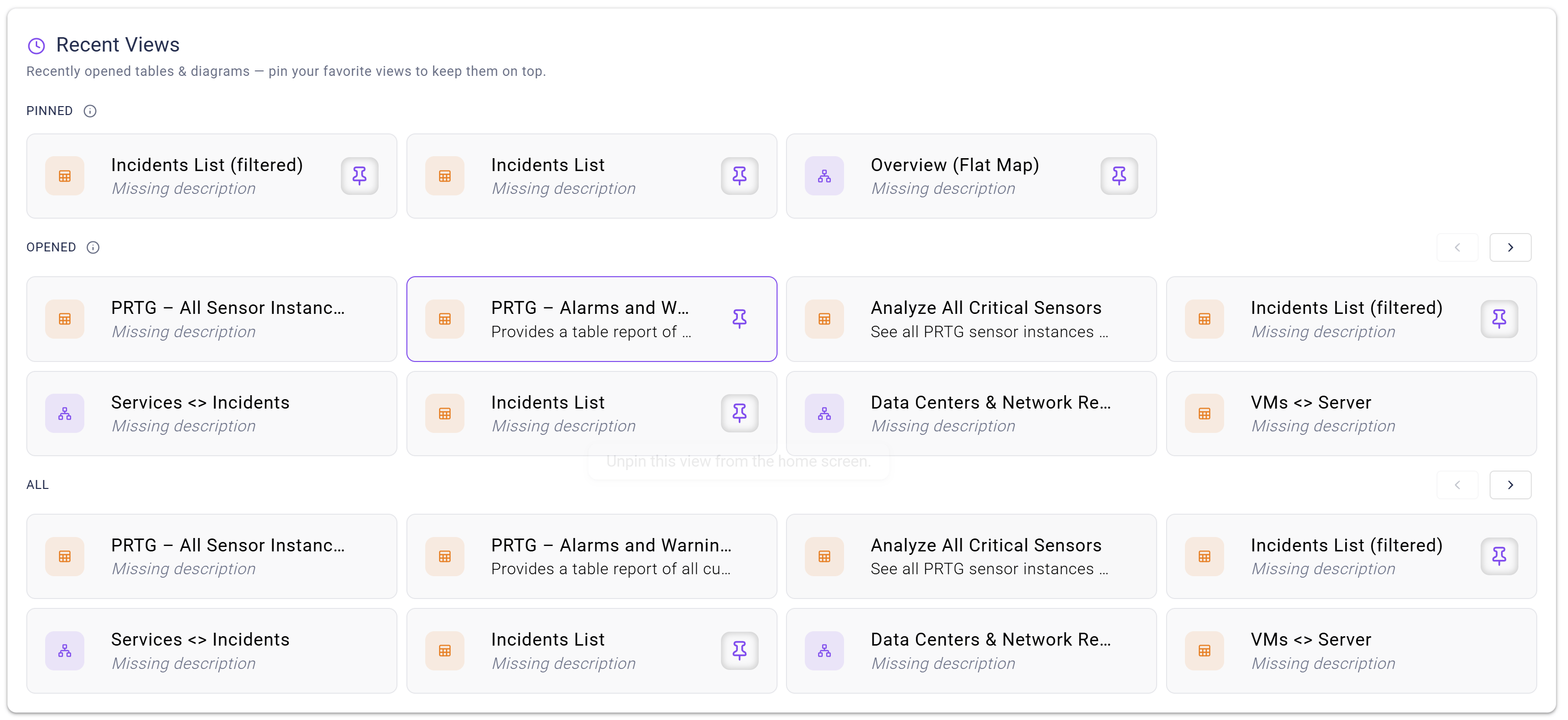
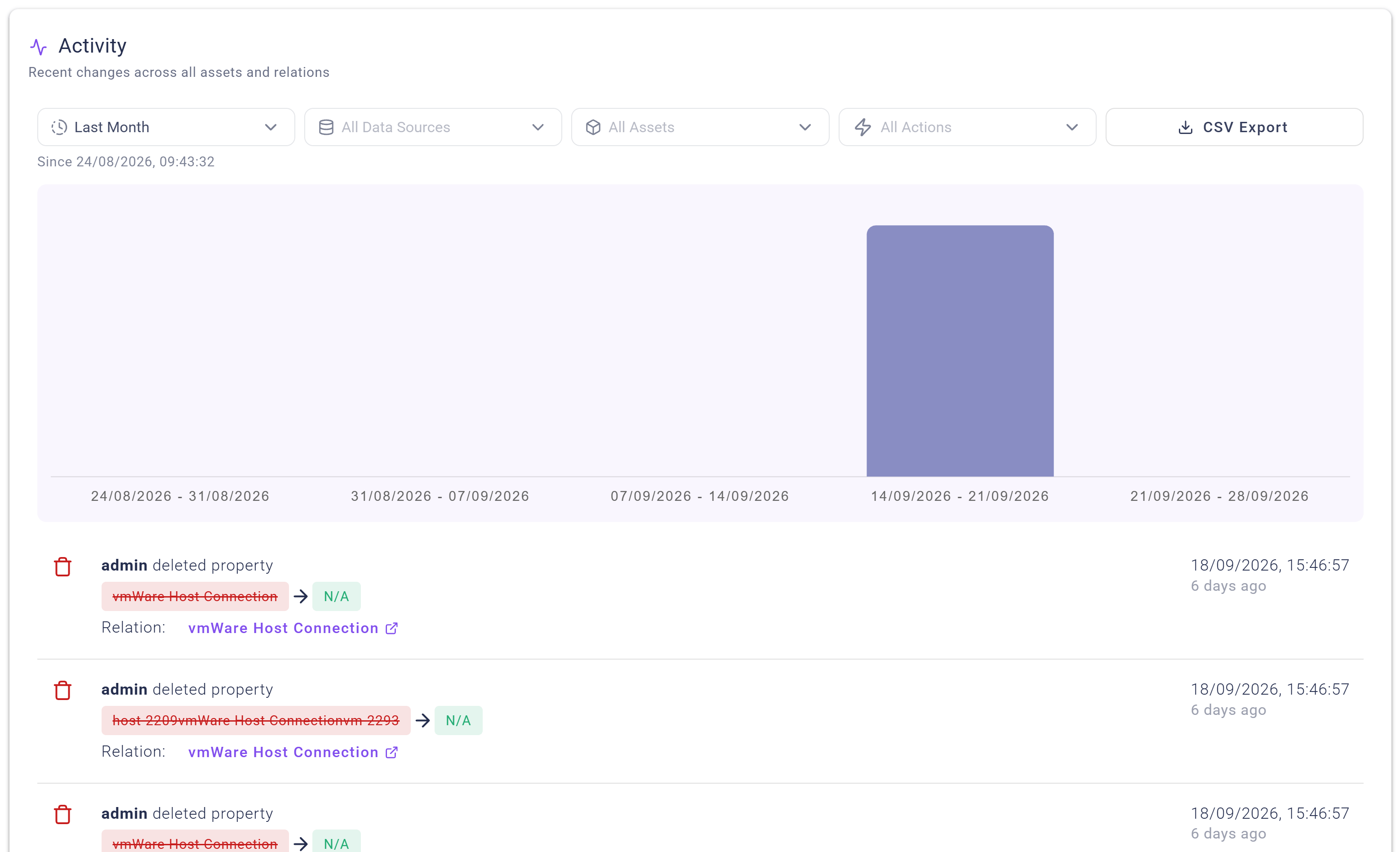
CMDB Overviewprovides data on the total number of assets and relations (billable and non-billable), a search bar as well as information on the number and distribution of billable assets, i.e., those that are relevant for the license quota.Infrastructure Compositionshows a pie chart illustrating the share of loaded asset types.CMDB Integrity & Data Qualityshows metrics regarding the quality (accuracy and up-to-dateness) of the loaded data.Recent Viewslists all custom views available, and shows all recently opened or “pinned” views in separate boxes.Activityprovides an overview as well as filtering options regarding all changes that were made to assets, e.g., modified properties or asset merges.